




An iPad can be used for almost anything, from work and study to movies, recipes and video calls. But how comfortable it is to use often depends on how it is positioned. Holding the tablet in your hand works for a while, but when you need to write, read or watch something for longer, a good stand quickly becomes appreciated.
With our Origami cases, you get both protection and a foldable stand in one accessory. The smart design offers five different positions, making it easier to adapt your iPad to whatever you want to do. Here are five everyday situations where the different angles come in handy.
1. Write and take notes at a more comfortable angle
When you type on the on-screen keyboard or take notes with Apple Pencil, it is nice not to have your iPad lying completely flat on the table. By folding the Origami case into a low position, you get a more natural working angle.
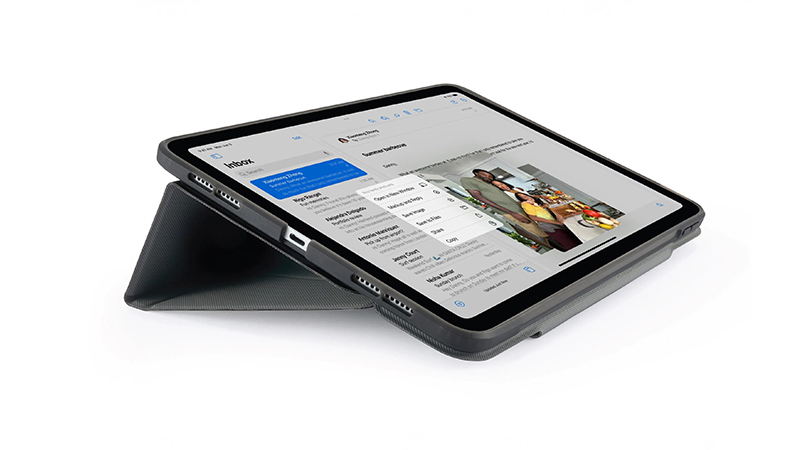
It works just as well when you are taking notes during a meeting as when you are planning the week or sketching an idea. With an Origami No3 case, you also get integrated storage for Apple Pencil on compatible models, so the stylus is close at hand when you need it.
2. Keep the recipe in view in the kitchen
Cooking with a recipe on iPad is practical, but it is less fun having to lift the tablet every time you need to read the next step. With the case folded into an upright stand, you can place the screen on the kitchen counter and easily follow the instructions.
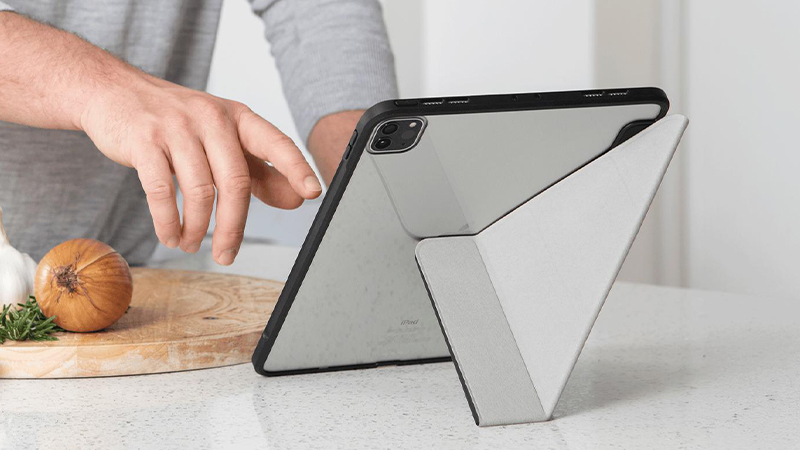
You can also use the same setup to watch a cooking video or keep a shopping list visible while you prepare dinner. Place your iPad a little away from the sink, the stove and other places where water or food splashes could reach it.
3. Make video calls easier
During video calls, it quickly becomes tiring to hold an iPad in your hand. A stand lets the screen sit stably on your desk or kitchen table, so you can talk without also having to think about how you are holding the device.
The different positions of the Origami case make it possible to choose the angle that suits the surface and how you are sitting. It is useful for everything from digital work meetings to a longer conversation with family. You also get your hands free if you need to take notes or show something during the call.
4. Watch movies without holding the screen
One of the most appreciated features of an iPad is being able to take movies and series everywhere. On a table, a shelf or a bedside table, the Origami case can hold the screen upright while you watch.
The different folds make it easier to find a good viewing angle, whether you are sitting at your desk or relaxing on the sofa. It can also be practical when several people want to watch the same screen without anyone having to hold the tablet.
5. Read and work with the screen in portrait
Not all content works best in landscape format. Documents, web pages, e-books and long articles can be more pleasant to read when the screen is upright. With a compatible Origami case that has a portrait stand mode, you can place your iPad in portrait orientation.
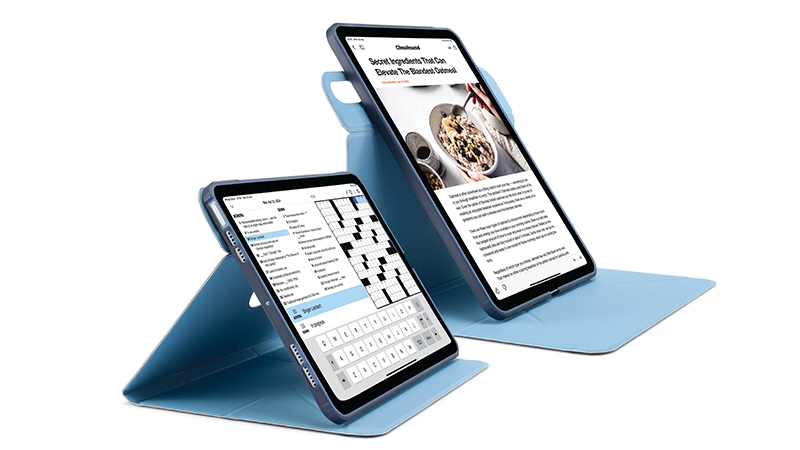
It is especially useful when you are going through documents, reading instructions or want a web page open beside your computer. When you are done, fold the case back around your iPad and get convenient protection when it is time to take it with you.
A case that adapts to your everyday life
The beauty of the Origami series is that you do not need a separate stand for every situation. The same foldable design can be used in several ways while also protecting your iPad during transport and storage.
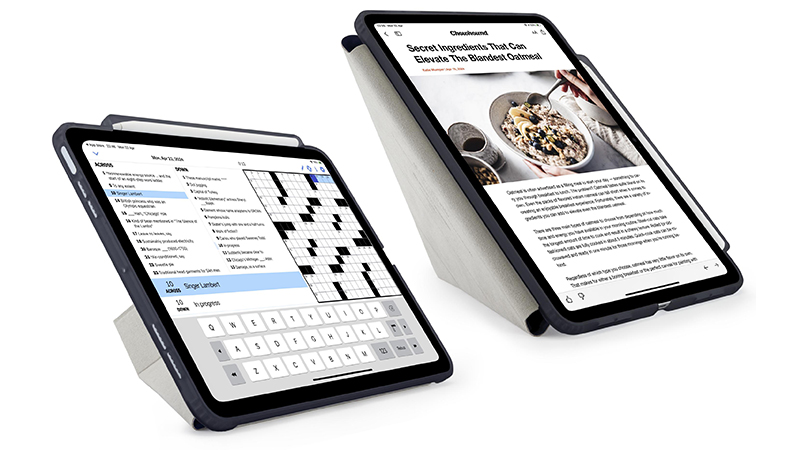
Always choose a case that is made for your specific iPad model. Our range includes several Origami variants for iPad mini, iPad Air and iPad Pro, with different features such as Apple Pencil storage, shock-absorbing shells and automatic sleep and wake.
FAQ
How many stand positions does Pipetto Origami have?
The Origami cases described here have five stand positions, giving you several ways to place your iPad for different activities.
Can I use Apple Pencil with the case?
Yes, several models support Apple Pencil. Origami No3 also has integrated storage for the stylus. Always check compatibility with your iPad and pencil model.
Does the Origami case work with all iPad models?
No, the cases are designed for specific iPad models and sizes. Check the model number before you choose.
Can I place my iPad in both landscape and portrait?
Several Origami models support both landscape and portrait positions. The exact stand positions may vary between models.
Does the case protect even when I am not using the stand?
Yes, Origami cases combine the stand function with a protective shell or cover. The design and level of protection vary between models.